If you've ever built a React front-end that talks to a .NET API, you've almost certainly hit the infamous CORS error. The browser blocks the request, the console screams in red, and Stack Overflow gives you fifteen different answers — half of which are "just disable it." This guide walks through what CORS actually is, why the error fires, and how to fix it properly on both sides of the stack.
What is CORS and why does it exist?
CORS stands for Cross-Origin Resource Sharing. It's a browser security mechanism that controls which domains can make requests to your API. An "origin" is the combination of protocol, host and port — so http://localhost:3000 and http://localhost:5000 are different origins, even on the same machine.
When your React app on port 3000 calls a .NET API on port 5000, the browser sends a preflight OPTIONS request first. If the API doesn't respond with the right headers, the browser blocks the actual request before it even leaves. The important thing to understand: CORS is enforced by the browser, not the server. Your API received the request just fine — the browser chose not to show you the response.
The error you'll see
Open your browser console and you'll find something like this:
Access to fetch at 'https://api.example.com/data' from origin
'http://localhost:3000' has been blocked by CORS policy:
No 'Access-Control-Allow-Origin' header is present
on the requested resource.
This tells you two things: the request was cross-origin, and the server didn't include the headers the browser needs to trust the response.
How to fix it: the .NET side
The fix belongs on the server. In a .NET 8 minimal API (or a standard controller project), you configure CORS in Program.cs:
Step 1 — Register a CORS policy
// Program.cs — register a named CORS policy
var builder = WebApplication.CreateBuilder(args);

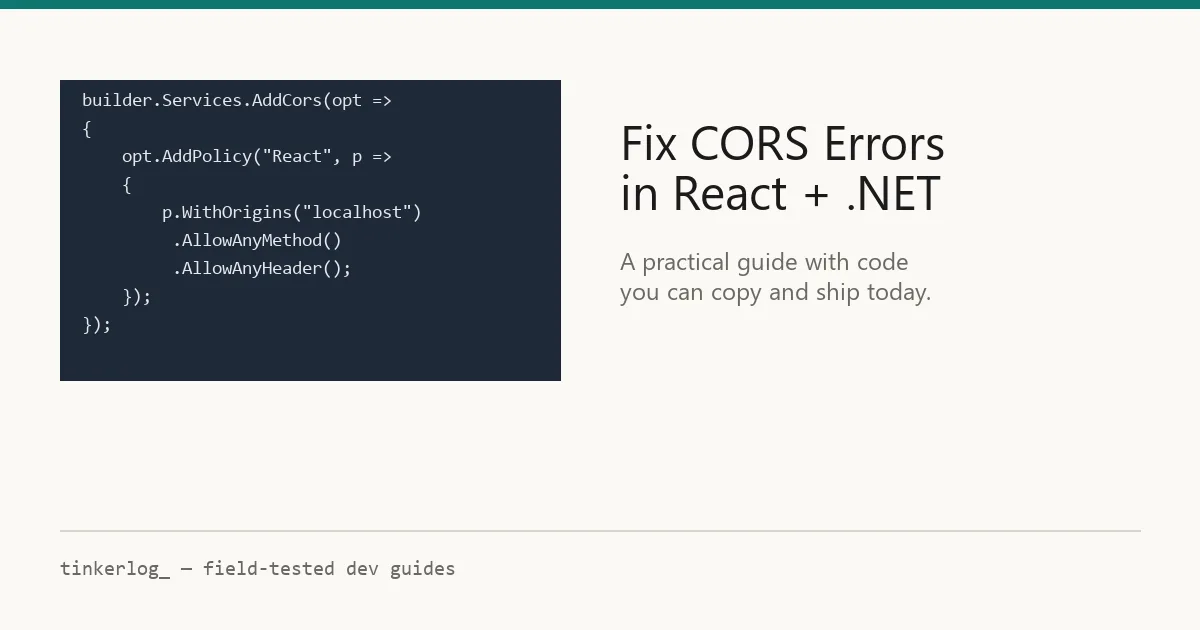
builder.Services.AddCors(options =>
{
    options.AddPolicy("ReactApp", policy =>
    {
        policy.WithOrigins("http://localhost:3000",
                           "https://yourdomain.com")
              .AllowAnyMethod()
              .AllowAnyHeader();
    });
});

var app = builder.Build();

// Apply the policy globally
app.UseCors("ReactApp");

app.MapControllers();
app.Run();
The key headers this sends back are:
Access-Control-Allow-Origin— which origins are trustedAccess-Control-Allow-Methods— which HTTP methods are allowed (GET, POST, PUT, etc.)Access-Control-Allow-Headers— which custom headers the client can send
Step 2 — Handle preflight requests
For any request that isn't a simple GET, the browser sends an OPTIONS preflight first. The UseCors() middleware handles this automatically, but you need to make sure it runs before your auth middleware — otherwise the preflight gets a 401 and the real request never fires.
// Middleware order matters!
app.UseCors("ReactApp");    // ← first
app.UseAuthentication();     // ← then auth
app.UseAuthorization();
A common mistake: putting UseAuthentication() before UseCors(). The preflight OPTIONS request has no auth token, so it gets rejected before CORS headers are ever added.The #1 cause of "it works in Postman but not in the browser"
How to fix it: the React side
Once the backend is configured, your React fetch calls should just work. But during local development you can also use a proxy to avoid CORS entirely — the dev server forwards your API calls so the browser sees them as same-origin.
Vite proxy setup
// vite.config.js
import { defineConfig } from 'vite';
import react from '@vitejs/plugin-react';

export default defineConfig({
  plugins: [react()],
  server: {
    proxy: {
      '/api': {
        target: 'http://localhost:5000',
        changeOrigin: true,
        rewrite: (path) => path.replace(/^\/api/, ''),
      },
    },
  },
});
Now your fetch calls use relative URLs instead of the full backend address:
// Before (triggers CORS)
fetch('http://localhost:5000/users');

// After (proxied, no CORS)
fetch('/api/users');
What NOT to do
You'll find advice online suggesting these shortcuts. Don't use them in production:
- AllowAnyOrigin() with credentials — this is explicitly forbidden by the CORS spec and will fail in modern browsers.
- Disabling CORS entirely — this opens your API to requests from any website, including malicious ones.
- Browser extensions that strip CORS headers — these only work on your machine and mask real configuration problems.
- Wildcard * in production — fine for a public read-only API, dangerous for anything with authentication.
Quick reference: CORS checklist
| Check | Where | Done? |
|---|---|---|
| AddCors() with named policy | .NET Program.cs | ☐ |
| UseCors() before UseAuthentication() | .NET middleware pipeline | ☐ |
| Specific origins (not wildcard *) | CORS policy config | ☐ |
| Proxy configured for local dev | vite.config.js / package.json | ☐ |
| Fetch uses relative URLs locally | React fetch/axios calls | ☐ |
Key takeaways
CORS errors are one of those things that feel like a bug but are actually a security feature working as intended. The fix is straightforward once you understand what's happening:
- CORS is a browser mechanism — Postman and curl bypass it entirely, which is why "it works in Postman" is not a useful test.
- The fix lives on the server — your React code doesn't cause CORS errors, it just triggers the browser's check.
- Middleware order matters —
UseCors()must come beforeUseAuthentication()or preflight requests fail. - Use a dev proxy during development so you don't need CORS at all locally — but still configure the real policy for production.
The next time you see that red console error, don't panic — check the three things above, and you'll have it resolved in under five minutes.